How to Manage 220+ Cold Email Inboxes Without Letting a Single Reply Fall Through the Cracks
Troy Aitken breaks down the exact inbox management system BuzzLead uses to handle 220+ inboxes with one person and zero dropped leads.
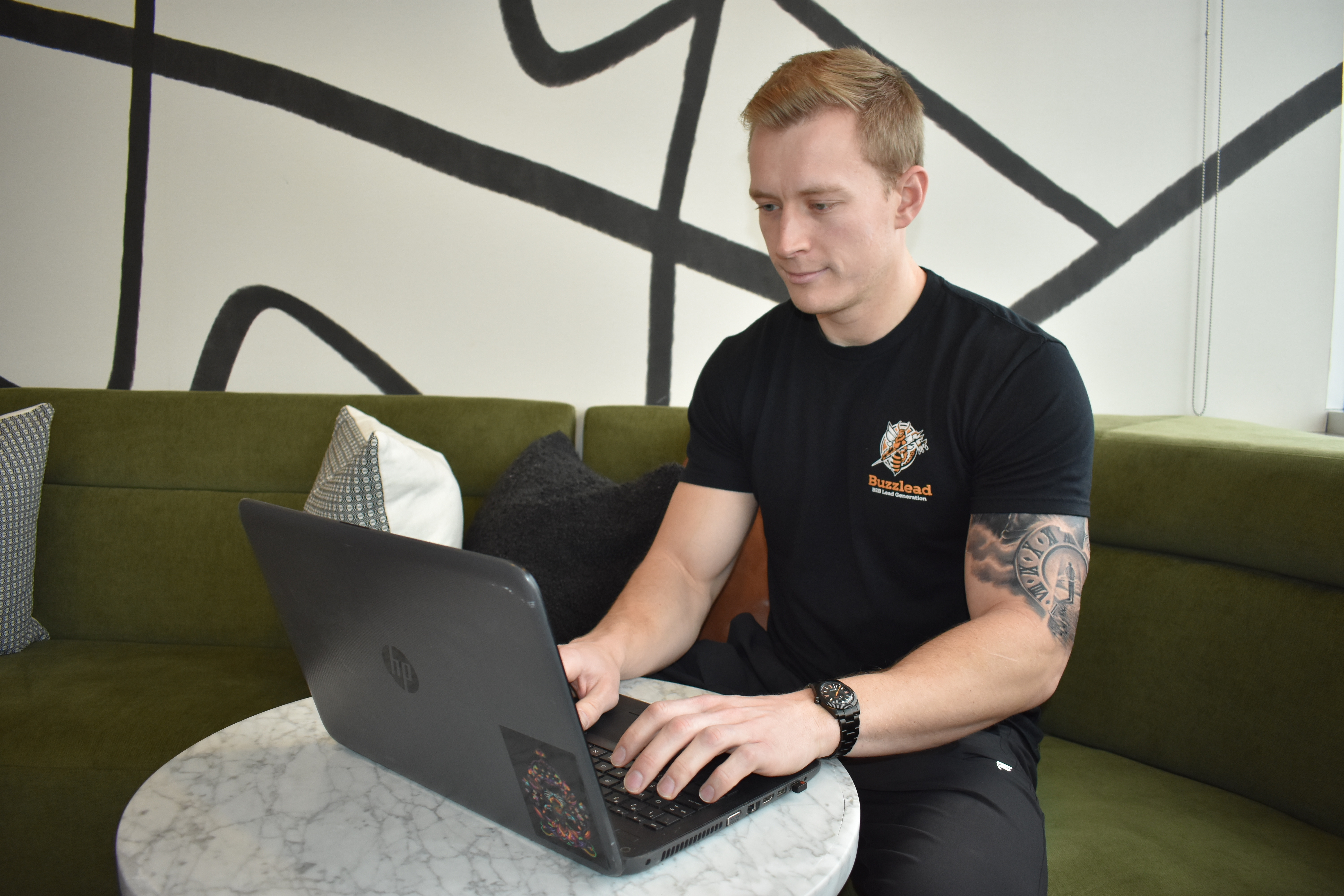
Most cold email practitioners obsess over copy and deliverability, then completely fall apart once replies start coming in. No system, no templates, no follow-up logic. Replies pile up, leads go cold, and the whole campaign quietly dies. At BuzzLead, we manage 220+ inboxes with a single inbox manager, and the reason it works is simple: we treat every reply as one of five known types, and we have a pre-built sequence ready for each one.
Here's exactly how we do it.
The Five Reply Types (and Why Categorizing Them Is Everything)
Every reply you get from a cold email campaign falls into one of these buckets:
Information request, They want more details before committing to a call.
Meeting request, They're ready to talk. Book it.
Referral, They're pointing you to someone else in the org.
Future request, Not now, but maybe later. Set a reminder.
Other, Anything that doesn't fit cleanly above.
The moment you stop treating every reply as a unique situation requiring a custom response, your inbox stops being a burden. You read the reply, you label it, it drops into the right subsequence, and the follow-up runs automatically. That's the whole system.
Building Your Four Core Subsequences
Each reply type gets its own three-to-four email track. Here's how we structure them:
Information request subsequence: - Email 1: Answer their question directly, then push for a call. Keep it short. - Email 2: Simple follow-up. "Just making sure you saw this." - Email 3: "I know you're busy, is there someone else I should connect with on your team?" - Email 4: A Kermit or detective emoji, a meme, something that makes them laugh or at least look twice.
Meeting request subsequence (for people who said yes but haven't booked yet): - Email 1: "Thanks for getting back to me, what works better, Day A or Day B?" Include a booking link. - Email 2: Float it back up. "Happy [day of week], when would be a good time?" - Email 3: "Since we haven't connected yet, is there someone else on your team I should reach out to?" - Email 4: Detective emoji. First name. Question mark.
Referral subsequence (arguably the highest-value reply you can get): - Email 1: "Tom Smith suggested I reach out to discuss [specific outcome]. Are you available next week?"
One thing to be careful about here: match power levels. If the director of marketing refers you up to their CMO, don't just cold-pitch the CMO as if they're a peer. The CMO knows the director reports to them. That dynamic matters, and ignoring it will kill the referral before it starts.
Future request subsequence: - Set a reminder, follow up three months out, and run the same basic cadence. "You mentioned connecting later, are you available at Time A or Time B?"
The goal across all four tracks is identical: get them on a call. We sell on the call. Never on email.
The Tools We Actually Use
Once your templates are built, the system is mostly about plugging them into the right software and setting time delays. Here's what we've tested and what we use:
Smartlead is our current favorite for cold email sequencing. We've tried Lemlist, Instantly, Mailreach, and others. Smartlead wins.
Front is strong for inbox management at scale, especially if you're managing a team. It also has AI/ML features that can auto-categorize replies.
Monkey Learn pairs with Front to train a natural language model on your specific reply types. Fair warning: the model will misclassify replies early on (an interested reply might get tagged as an info request). Give it time and data to calibrate.
Zapier ties everything together. It's the connective tissue of our entire operation.
Active Campaign / Go High Level for marketing automation, particularly useful in affiliate or outbound-heavy models.
One strong piece of advice: start simple. Automations break, and the more complex they are, the harder they are to diagnose. Build the minimum viable version first, test it thoroughly, then add layers.
📥 Best Cold Email Software 2026
The 7 cold email tools worth your money in 2026 — ranked by an agency managing 25,000+ inboxes.
The Human Element You Cannot Automate Away
Here's where a lot of people get this wrong: they automate everything and strip out all the personality. When someone replies and tells you why your email caught their attention, or shares something personal about their business situation, that's not a trigger for a template. That's a conversation. Acknowledge it. Respond like a person.
One tactic we've found surprisingly effective: if someone's email signature includes a phone number, call them. People are genuinely caught off guard by it, in a good way. You wanted a conversation, they replied, pick up the phone and have it.
For managing the volume without burning out, block specific times for inbox review: 10am, noon, 2pm, 4pm. You don't need to watch the inbox all day. Batching your responses keeps you focused and keeps reply quality high.
Key Takeaways
Every cold email reply fits into one of five types. Categorize fast, drop into the right subsequence, let automation handle the follow-up.
Build four pre-scripted subsequences: information request, meeting request, referral, and future request.
Always sell on the call. Email's only job is to get them there.
Match power levels on referrals. Pitching up the org chart without context gets you ignored.
Use Smartlead for sequencing, Front for inbox management at scale, Zapier to connect everything.
Start your automations simple. Test constantly. Add complexity only when you need it.
Block inbox time in batches. Watching email all day is not a growth activity.
When a reply feels human, respond like one. Templates are a floor, not a ceiling.
Frequently Asked Questions
How many inboxes can one person realistically manage with this system? We run 220+ inboxes with a single inbox manager. The key is having pre-built subsequences for each reply type so the manager is categorizing and triggering, not writing custom responses from scratch every time.
What's the difference between a meeting request reply and an information request reply? A meeting request means they're ready to talk and just need logistics. An information request means they want more detail before committing. Both get their own subsequence, but the information request track has one extra step: answer their question first, then push for the call.
How should I handle a referral from someone at a lower level pointing me to a senior executive? Carefully. Don't treat the referred exec like a cold prospect. Lead with the referral ("Tom Smith suggested I reach out"), keep it brief, and respect the power dynamic. Trying to pitch up the org chart without that framing usually gets you ignored.
When is it okay to call someone instead of emailing them? If they've already replied to your cold email and their signature includes a phone number, call them. They've already shown interest. Picking up the phone at that point is a natural next step, and most people respond well to it precisely because it's unexpected.
This is one piece. The full system is the 2-hour masterclass.
Drop your email and get the full 15-chapter system — offer, list, copy, sequences, deliverability — start to finish.
More on scaling.


Referrals, replaced.
20-minute strategy call. We'll audit your ICP, show you which signals we'd track, and map out exactly what the first 120 days would look like. No commitment, no pressure, no pitch deck.
